
DexaFit Phoenix App Setup
Set Up Your DexaFit AI Account
Every number you measure stays with you. The free DexaFit AI app holds all of your results and insights in one secure place, ready the moment you open it. Set it up once after your DexaFit Phoenix visit and your full record follows you to any DexaFit location worldwide, whether you tested in Tempe, Gilbert, or North Phoenix.
Tap “Create Account”
Launch the app and scroll to the bottom of the sign-in screen. Select the “Create Account” button to begin.
Build Your Profile
- Type in your email address (the same one you used when you booked).
- Choose a strong password you will remember.
- One uppercase letter or more
- One lowercase letter or more
- One number or more
- One special character (such as ! @ # $ %)
Verify Your Email
Look in your inbox for a note from DexaFit. Tap the confirmation link inside it to switch your account on.
Sign In and Look Around
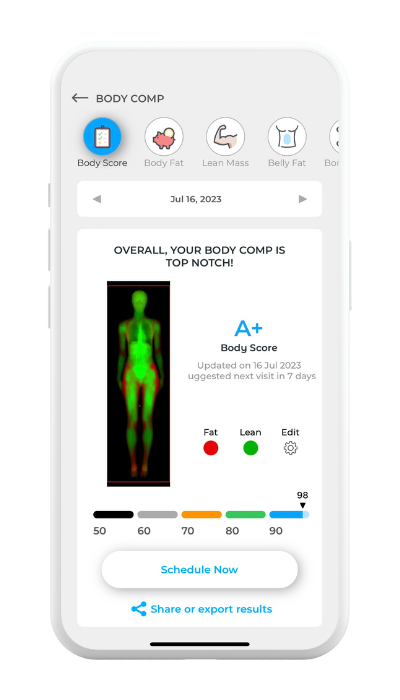
Head back to the app, enter your email and password, and you are in. Once you are signed in, you can review:
- Your DEXA, RMR, and VO₂ Max test results
- Visceral fat, ALMI, and bone density readings
- How your body composition shifts from one visit to the next
- Cardiometabolic insights from DexaFit AI
Need help?
Stuck while creating your account or signing in? Send us a note at support@dexafit.com and we will get you sorted.